Upon registration on the site, a necessary and very important step is to complete your account by fulfilling the Authorized Persons section.
This means that the identity document of each person participating in the shows, and withdrawing funds, must be verified.
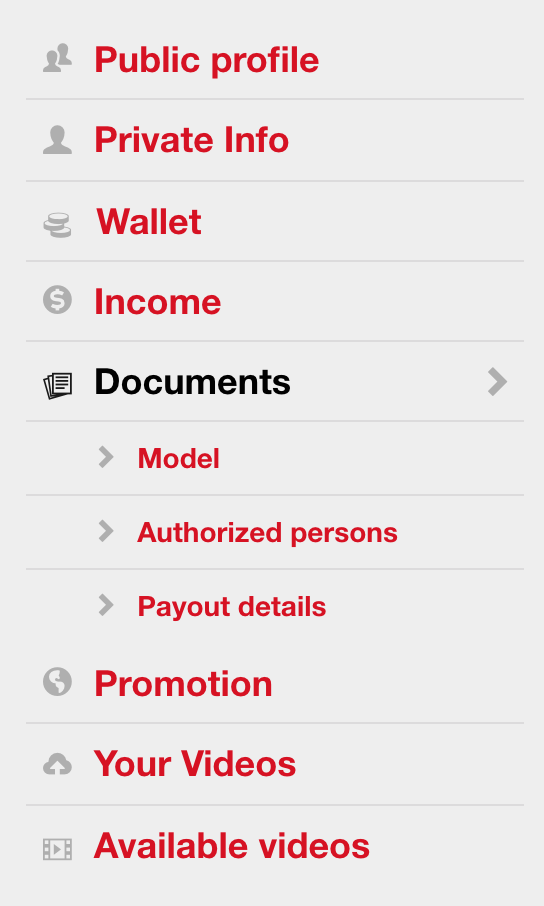
For ID verification purpose, you need to enter the mandatory documentation in your profile, from Manage account, open the Documents menu, then the Authorized persons section.
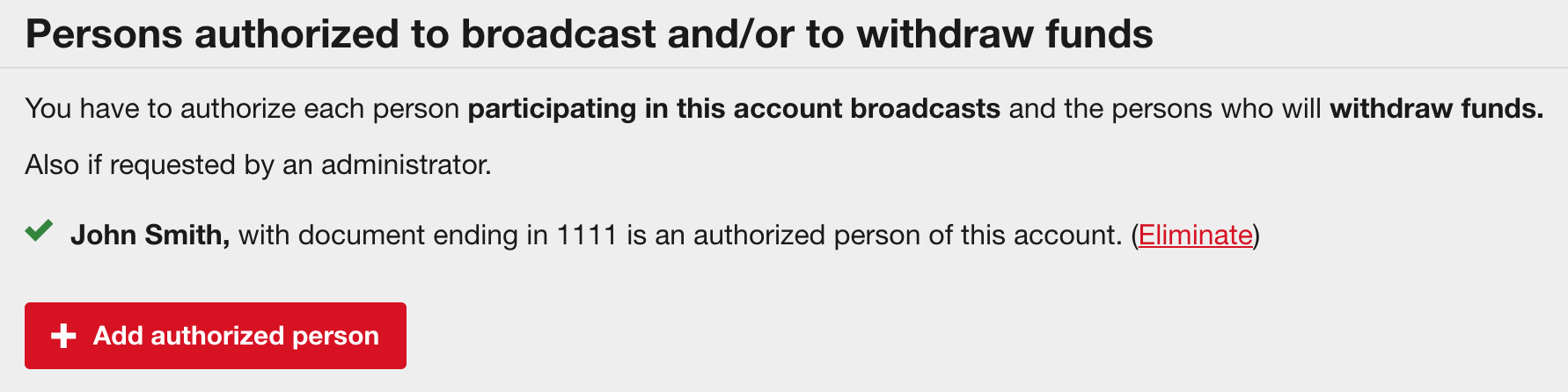
Click the button Add authorized person and a menu will be displayed, where you will have to fill the requested information, which must match the data reflected on the document.
Enter the following details:
Make sure that the pictures of the ID have a good resolution, and that the details are legible. Then upload them in the given order:
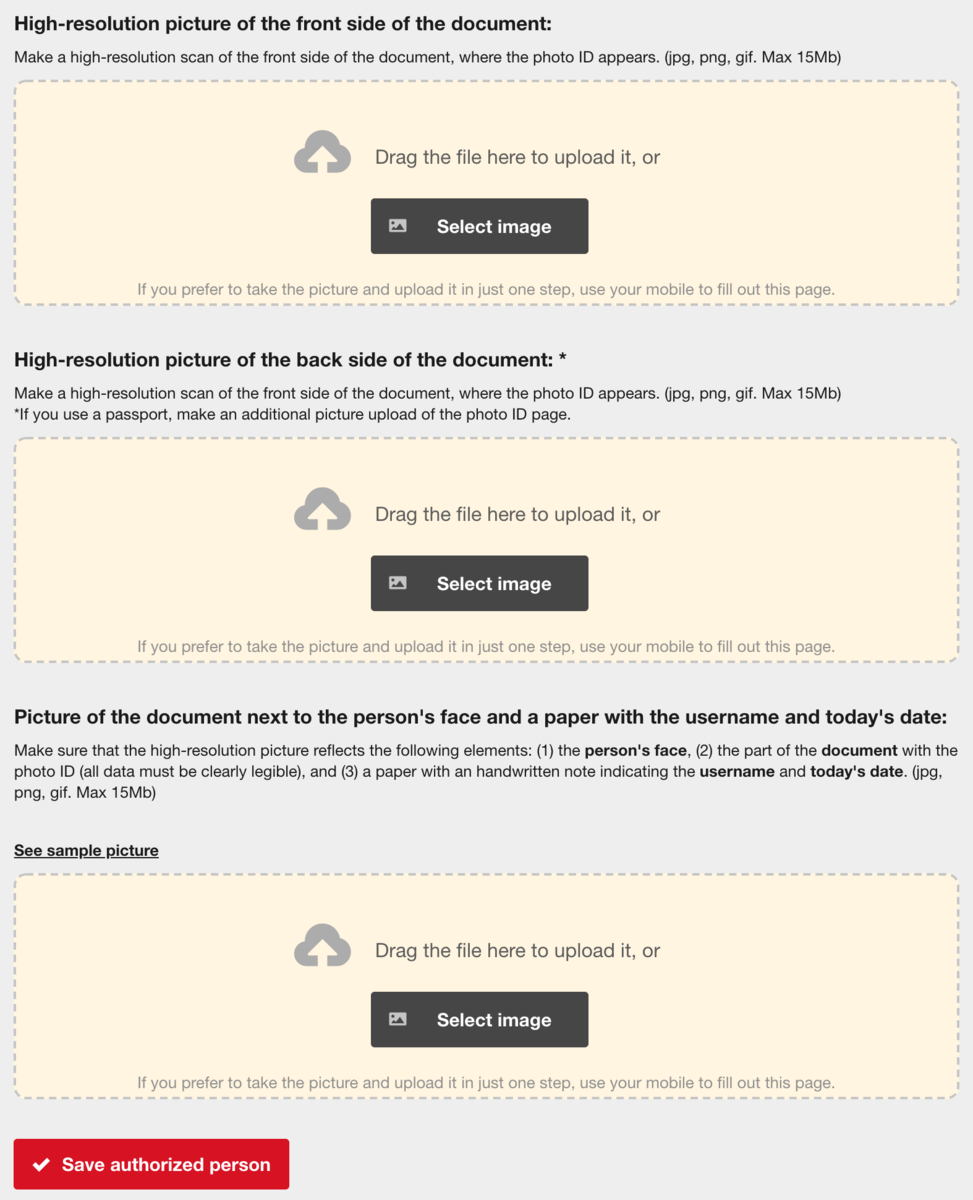
Once done, don't forget to click the Save authorized person button!
The details are swiftly reviewed and verified by the website Admins. Rest assured that your data is kept strictly confidential.
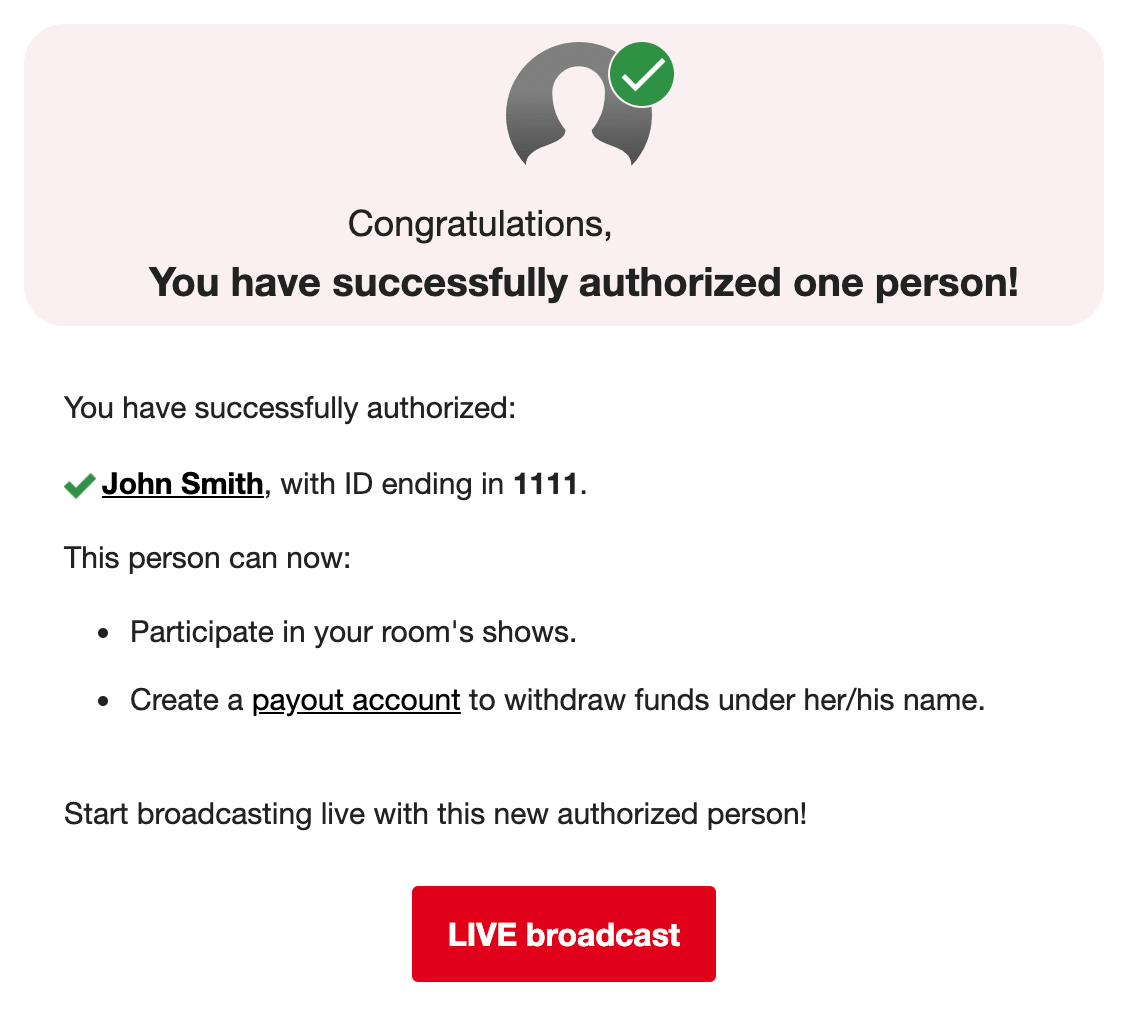
Once APPROVED, an email notification will be sent to the email validated in your account, confirming that you can broadcast and also create a payout account.
If for any reason the documentation is not approved, you will receive an email notification with the motive. Please make the necessary corrections and repeat the process.
As soon as your details are duly confirmed, you can start broadcasting!